Purpose
Prerequisites
An existing layout
Steps

This procedure provides an example of how to cut roof planes on a sample structure. A roof plan is provided for illustration. The highlighted area identifies the cutting solution for the active plane.
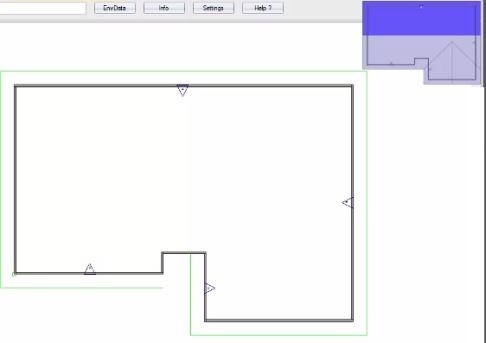
- Select Plane-R
 .
.
- Click to select the plane to be cut.
- Click to select the overhang.
- Click to select the opposite plane to create the ridge.
- Select the overhang.
- Right-click to accept.
A sample is shown below.
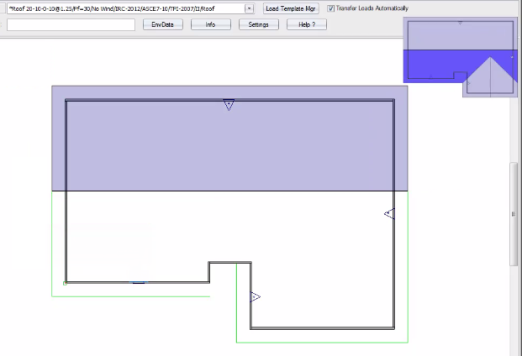
Continue with the steps outlined in the video to complete the roof plane cutting.